On-Device AI Is Becoming a Hardware Race
July 8, 2026
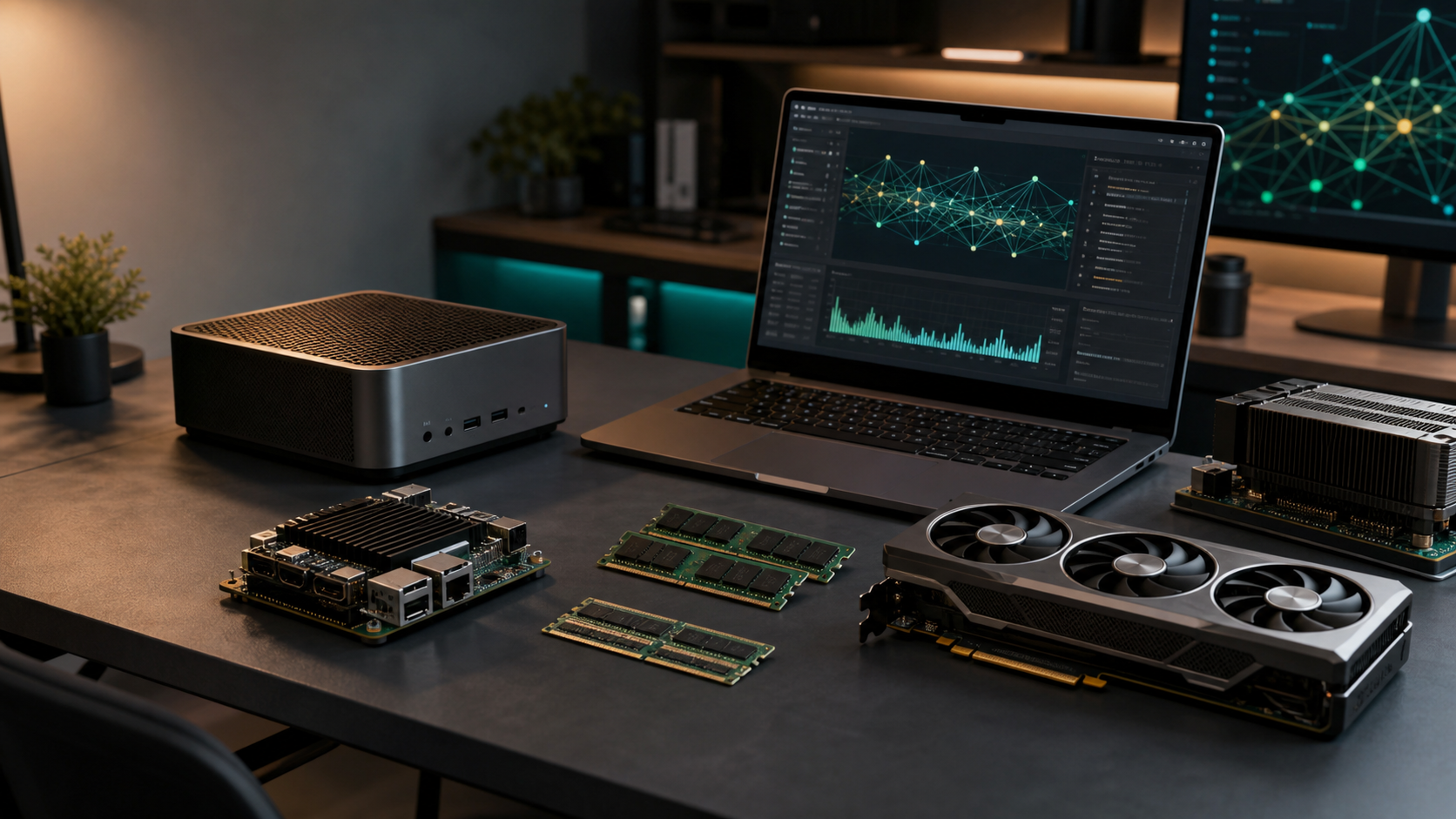
The question around on-device AI has changed.
It is no longer simply: can local models become useful?
The better question is now: which hardware can run the right local model, at the right quality, with the right latency, for the task in front of you?
Small and mid-size models are improving quickly. Coding models, multimodal models, speech models, embedding models, and image/video generation models are all being compressed, quantized, distilled, and redesigned for local inference. At the same time, hardware vendors are no longer treating "AI PC" as a sticker. They are building machines around unified memory, GPU acceleration, NPUs, high memory bandwidth, and local agent workflows.
That is the real shift: on-device AI is becoming a hardware race.
Why Local AI Hardware Matters More Now
A few years ago, running a local model usually meant accepting a large quality gap. You ran something local because it was private, offline, or cheap, not because it was the best experience.
That gap is narrowing for many practical tasks:
- Coding assistants can be useful on 14B-32B class models.
- Document search and RAG often benefit more from good retrieval than from a huge frontier model.
- Speech recognition and embeddings already run well on modest hardware.
- Vision-language models are becoming smaller and more usable.
- Quantized models can make a 24GB GPU or 64GB unified-memory machine surprisingly capable.
But this does not mean every model runs well on every device. The hard part is matching the workload to the machine.
A local AI setup is constrained by more than peak TOPS:
- Model size decides the minimum memory requirement.
- Quantization trades quality, speed, and memory.
- Context length can turn a model that fits into a model that no longer fits.
- Dense vs MoE architecture changes active memory and compute behavior.
- GPU, NPU, CPU, and unified memory all matter differently depending on runtime support.
- Drivers and software stacks often decide whether the theoretical hardware actually helps.
This is why a practical local AI tool cannot just ask, "What is your GPU?" It needs to understand the task, the model class, the quantization target, the memory budget, and the runtime.
The Hardware Vendors Are Moving
The hardware response is now visible across several categories.
Apple Silicon made unified memory mainstream for local AI users. A high-memory Mac is not always the fastest option, but it gives local models access to a large shared memory pool with a quiet, efficient machine and a mature desktop experience.
NVIDIA is pushing from the other direction: CUDA, TensorRT, workstation GPUs, and now compact AI development systems. The NVIDIA DGX Spark is a clear example of where the market is heading: a desktop-sized local AI development box with 128GB coherent unified memory, Grace Blackwell architecture, and enough memory headroom for much larger local experiments than a normal consumer GPU.
Professional GPUs such as the NVIDIA RTX 6000 Blackwell 96GB are another path. They are expensive, but they solve a real problem: many local AI workloads are not limited by raw compute first. They are limited by memory capacity, memory bandwidth, and the ability to keep a large model on one accelerator.
Qualcomm and Windows OEMs are pushing the AI PC category with higher NPU performance and larger memory ceilings. A high-memory Snapdragon X2 Elite Extreme-class machine is not the same thing as a CUDA workstation, but it points to a future where thin laptops and mini PCs can run useful small and medium local models without feeling like science projects.
AMD is also important here. Systems based on Ryzen AI Max-class hardware show why unified memory is attractive outside the Mac ecosystem: if a compact PC can expose a large shared memory pool to local AI workloads, it becomes relevant for RAG, agents, and long-document workflows even when it is not the fastest image-generation box.
Memory Is the New Product Line
For local AI, memory capacity is becoming one of the clearest product dividers.
An 8GB or 16GB machine is fine for small models, embeddings, and lightweight assistants. A 24GB GPU can run many strong coding models, especially with Q4 or Q5 quantization. A 48GB GPU opens the door to larger 70B-class models. A 96GB GPU or 128GB unified-memory system changes the kind of experiments a user can attempt.
The catch is that "fits" is not the same as "runs well."
A model may fit at a lower quantization, but lose enough quality that it is no longer the best choice. A model may fit for short prompts, but fail with long context. A model may run on CPU fallback, but feel too slow for daily use. A model may support the task in theory, but lack the runtime optimizations that make it practical on your hardware.
This is why LocalAIRun's direction is to recommend both:
- A default match for users who want a fast answer.
- A wider list of model and hardware options for users who understand the tradeoffs and want control.
The recommendation should not hide uncertainty. It should explain why one setup is ranked higher than another: memory headroom, expected quality, quantization level, task fit, runtime support, and cost.
Local Does Not Mean Cloud Goes Away
The strongest cloud models are still ahead for many tasks. That will remain true for frontier reasoning, long agent chains, and tasks where users need the best possible answer regardless of cost.
But local AI does not need to beat the cloud at everything to matter.
It wins when the task benefits from:
- privacy
- low latency
- offline access
- predictable cost
- local files and local tools
- repeated everyday workflows
- user-controlled model choices
The future is likely hybrid. A local model handles the fast, private, routine work. A cloud model is used when the task needs more reasoning depth or broader capability. Good hardware makes the local side of that hybrid setup feel natural instead of compromised.
What This Means for Buyers
If you are buying hardware for local AI, the right question is not "What is the most powerful AI PC?"
The better questions are:
- What tasks do I actually want to run locally?
- Do I care more about coding, chat, RAG, image generation, video generation, or voice?
- What model size class do I expect to use: 7B, 14B, 30B, 70B, or larger?
- Am I comfortable using quantized models?
- Do I need long context?
- Do I need CUDA, MLX, ROCm, Vulkan, llama.cpp, Ollama, LM Studio, vLLM, or ComfyUI?
- Is portability more important than throughput?
- Is memory capacity more important than peak benchmark speed?
For many users, the best answer is not the biggest machine. A 24GB GPU can be excellent for local coding and daily chat. A high-memory Mac can be the simplest path for quiet local work. A 128GB unified-memory mini PC can be useful for local RAG and agents. A workstation GPU is for people who know they need large models, image/video workflows, or heavy multi-model serving.
The Practical Direction
On-device AI is moving fast because models and hardware are now adapting to each other.
Model builders are designing smaller, more efficient, more specialized models. Hardware vendors are building machines with more memory, better NPUs, faster GPUs, and software stacks aimed at local agents. Users are discovering that the right local setup is not a single spec sheet. It is a fit between task, model, quantization, context length, runtime, and budget.
That is the layer LocalAIRun is trying to make understandable.
You should be able to start from a task and find a realistic model and hardware match. You should also be able to start from your existing hardware and see what model classes make sense. And when the recommendation is uncertain, the tool should show the tradeoffs instead of pretending there is one perfect answer.
The next wave of AI hardware will not just be about bigger chips. It will be about helping useful local models run where people actually work.